 Inlet
For Mac
Your notch, put to work.
Inlet turns the MacBook notch into a live surface for music, meetings, files, timers and your coding agents. Closed, it stays out of the way. Hover, and it opens.
-day free trial · one-time purchase · macOS 14 or later, Apple silicon
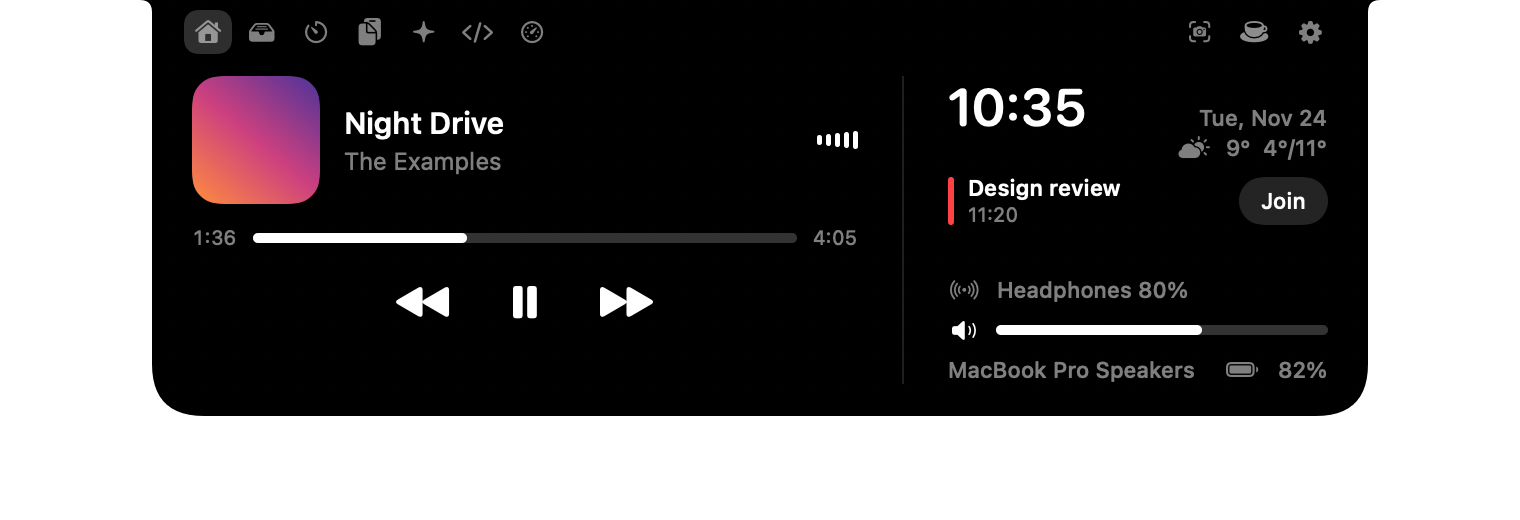
It's live: hover the notch, switch tabs, press play.
Everything in one place, nothing in the way

Now playing
Any app, with artwork. Swipe the notch to skip.

Volume and brightness
Shown in the notch, not over your work.

Alerts
Charging, low battery, new audio output.

Timers and focus
The countdown lives in the closed notch.

Coding agents
See Claude Code or Codex working, and when it is done.

Calls
Steps aside so the Mac’s mic and camera indicators stay visible.
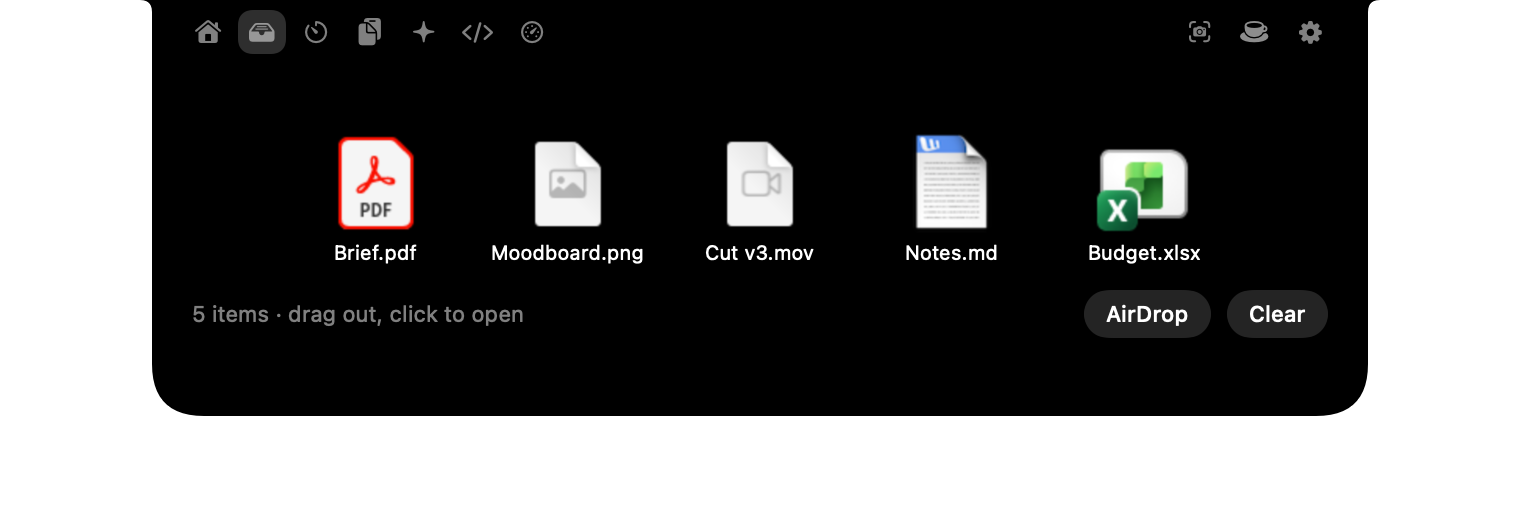
File shelf
Park files on the notch. Screenshots land there too.
At a glance
Clock, weather, next meeting with Join, battery.
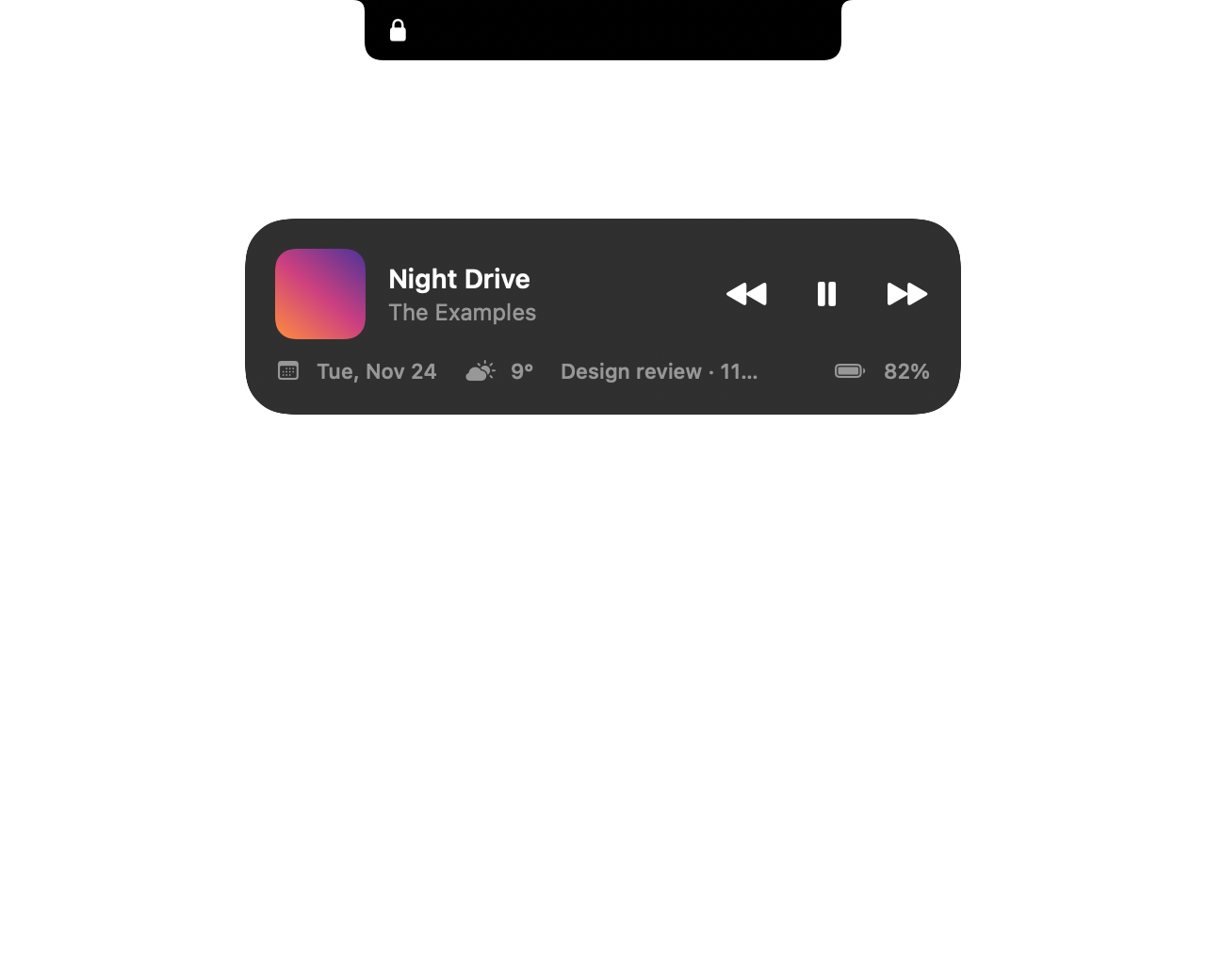
Lock screen
Now playing and your day, before you sign in.
Also inside: system stats, keep-awake, clipboard history, area screenshots, global shortcuts, swipe gestures and launch at login.
Your data stays on your Mac
Inlet has no account, no analytics and no tracking. Calendar, clipboard, files and agent activity are read on your Mac and never uploaded. Two things use the network: the weather lookup, which sends approximate coordinates or a city name to Open-Meteo, and the update check, which asks this site for the latest version number.
Read the privacy notesInlet
One-time purchase. Yours to keep, updates for version 1 included. VAT may be added at checkout, depending on your country.
- -day free trial, every feature included
- Licence key delivered by email
- No account needed
Questions
Which Macs are supported?
macOS 14 or later on Apple silicon. Built for MacBooks with a notch; on other Macs and external displays Inlet shows a small pill at the top of the screen.
How does the trial work?
days with every feature. Afterwards the island stays in place but the open panel asks for a licence.
How do I activate?
After purchase your licence key is shown on the receipt page and emailed to you. Open Inlet's Settings, go to Licence, paste the key. Activation needs an internet connection once; after that Inlet checks the key quietly about once a day and keeps working offline.